How to Order Custom Patches and Keychains in Bulk Without Costly Revisions
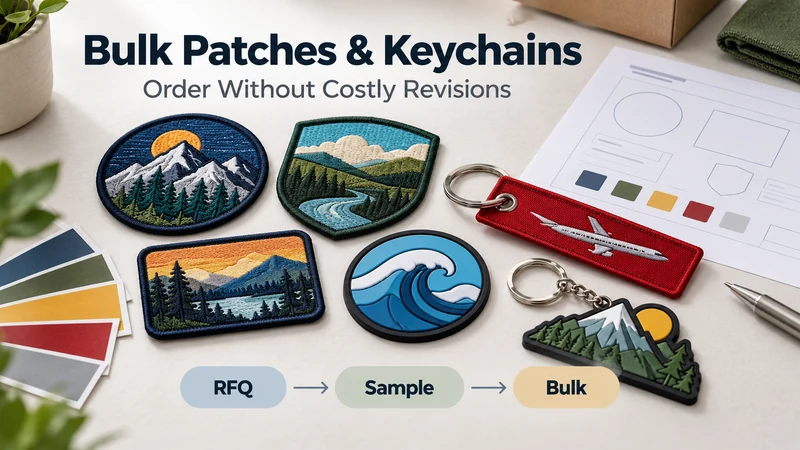
To order custom patches and keychains in bulk with fewer revisions, send one complete RFQ, confirm specifications for each design, approve the correct sample and keep a record of the approved version. Most avoidable changes begin with missing details: a patch backing that was never specified, a keychain ring chosen by assumption or a packaging requirement mentioned after the quote was approved.
If you purchase merchandise for a brand, uniform program or promotional campaign, you do not need to know every production technique before sending an inquiry. You do need to tell the manufacturer what the product must look like, how it will be used and what must stay consistent from sample to bulk order.
What Should a Complete RFQ Include?
An RFQ, or request for quotation, should let a supplier assess the same project you intend to order. “Please quote 1,000 logo patches” leaves too many decisions open.
For each patch or keychain design, provide:
| RFQ detail | What to specify |
|---|---|
| Product | Patch or keychain type, or the options you want compared |
| Artwork | Logo file, reference image and separate front/back designs if needed |
| Finished size | Width and height, plus any required thickness |
| Quantity | Total quantity and quantity for each design or variation |
| Colors | Artwork colors and any Pantone references you want reviewed |
| Construction | Patch border and backing; or keychain material and attachment |
| Application | Garment, hat, uniform, backpack, retail accessory or giveaway |
| Packaging | Bulk packing, individual bag, backing card, label or barcode |
| Schedule | Required delivery date and destination |
| Approval | Whether you need a digital proof, physical sample or both |
A vector artwork file is helpful when available, but a clear image and accurate specifications can still start a useful discussion. If a fine line, tiny letter or color effect is essential, point it out. That allows the manufacturer to check whether the chosen process can reproduce it at the proposed size.
You can browse custom patches and brand accessories before selecting a construction, then send the options you want evaluated in the same RFQ.
Is MOQ Based on the Total Order or Each Design?
Ask for the minimum order quantity for each design, size, colorway and construction—not only for the combined purchase. A buyer may plan 1,000 pieces across ten designs, while a supplier quotes a minimum that applies separately to every design.
There is no rule that applies to every factory or every product. The answer may change when you alter a PVC mold, embroidered artwork, patch size, backing, keychain shape or packaging. Some variations may be combined for quoting purposes; others require separate preparation.
Use a simple variation list:
| SKU | Product | Design or variation | Quantity |
|---|---|---|---|
| P-01 | Embroidered patch | Blue logo, sew-on | 400 |
| P-02 | Embroidered patch | Blue logo, hook-and-loop | 300 |
| K-01 | PVC keychain | Blue character | 200 |
| K-02 | PVC keychain | Orange character | 200 |
Then ask: “Which of these variations can share a production setup, and which have separate MOQ or setup requirements?” That question is far more useful than asking for one price based only on the grand total.
How Do You Check Tooling, Embroidery Files, Colors and Accessories?
Before comparing unit prices, check what the quotation includes. Two quotes can appear different because they cover different work.
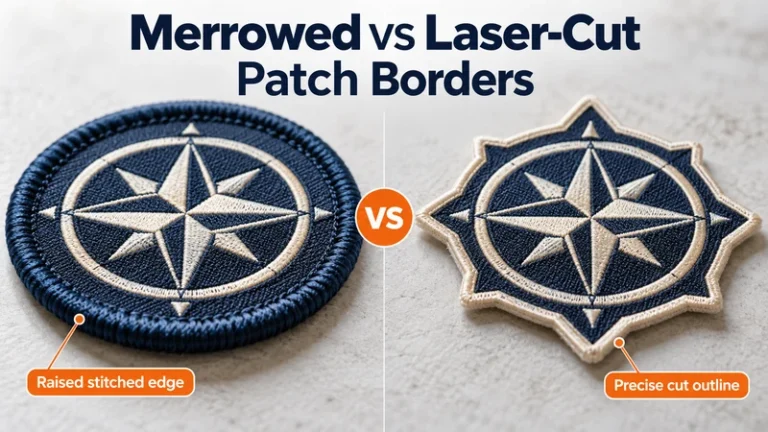
For embroidered or woven patches, confirm the finished dimensions, artwork preparation, thread colors, border style and backing. Ask whether creating or adjusting a production file is included in the quote and whether a design revision changes the price. If the patch will be sewn onto a specific garment, share the placement and fabric so the size and backing can be reviewed in context.
For PVC patches or PVC keychains, confirm whether the proposed shape or relief requires a mold, how tooling is charged and what changes would require new tooling. Also specify the intended thickness, color areas and attachment point where relevant. Do not assume that changing a character’s outline is treated like changing a color.
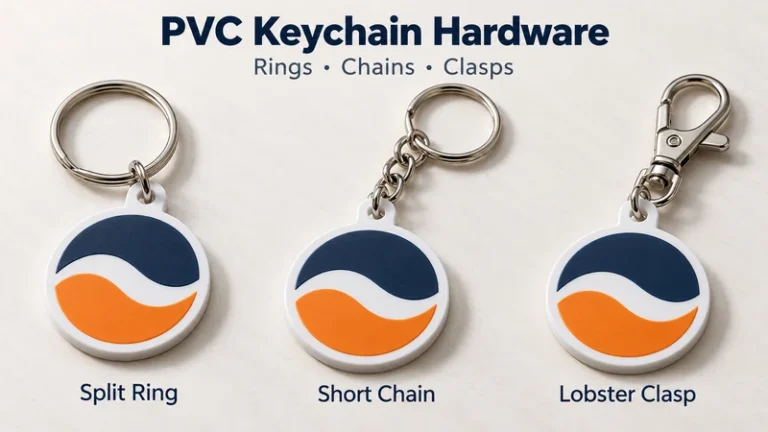
For keychains, identify the split ring, chain, clasp or other connector you expect. Include the hardware finish and position. A keychain can have a beautifully approved logo and still hang awkwardly if the attachment was never shown on the proof.
Provide Pantone references when a color is important to your brand, and ask how the production material will be matched. A screen proof helps confirm the intended color reference; inspect a physical sample when the appearance of thread, PVC or metal finish is critical. Materials reflect light differently, so identical color codes alone should not be treated as a guarantee that different products will look identical.
What Should You Approve at the Digital Proof, Physical Sample and Bulk Stages?
These are three different checkpoints. Record what was approved at each one.
Digital proof: Approve the specifications
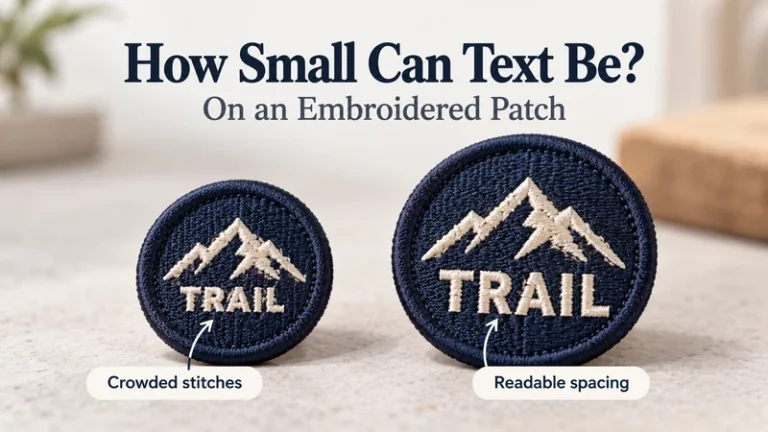
Check the layout, spelling, artwork proportions, dimensions, colors, border or outline, backing, front/back design and hardware position. Review small text at the actual finished size. A design that looks sharp at 400% zoom may be unreadable on a small patch.
Mark corrections on one proof and return them together where possible. Scattered changes across several messages make it harder to identify which file is current.
Physical sample: Approve the product
When a physical sample is part of the order, check what a screen cannot fully show: thread texture, edge finish, PVC relief, flexibility, color appearance, attachment strength and the way a backing works on the intended item.
If the sample needs a change, describe it precisely: “Increase the white lettering so it reads at the approved size” is more actionable than “Make the logo pop.” Request an updated sample or written confirmation of the exact correction when that change affects a critical feature.
Bulk production: Confirm the approved reference
Before production starts, confirm the final proof or sample version, quantities by SKU, packaging, production schedule and shipping details in writing. Assign an approval date and version number. If anything changes after that approval, request a revised confirmation rather than assuming an informal message has updated the production instructions.
For more on inspection priorities, see the quality control overview.
How Should You Plan Packaging and Labels for Multiple SKUs?
Packaging deserves its own line in the RFQ. “Standard packing” may be fine for an internal uniform issue, but it may not suit retail shelves or a distributor handling several designs.
For each SKU, specify:
- Pieces per bag or inner pack
- Individual bag or backing card requirements
- Printed label, barcode or customer SKU
- Design name and quantity on the outer carton
- Whether colorways or designs may be mixed in a carton
- Any required order of packing for store or warehouse receiving
Send the barcode and label artwork as separate approved files. A correct patch in a bag with the wrong SKU label still creates a receiving problem. If the keychain will be attached to a backing card, approve the assembled presentation, including how the ring hangs, rather than reviewing only the loose keychain and flat card.
How Can You Keep a Reorder Consistent?
Reference the approved version, not just the product name. “Please repeat our blue patch” may be clear within your team and ambiguous months later.
Keep a small order record containing the artwork file, proof version, sample photographs, approved dimensions, color references, backing or hardware, packaging artwork, SKU list and previous purchase order number. For a reorder, send that record and state which details must remain the same.
Also flag any requested change explicitly:
Reorder SKU P-01 to the approved specification from PO 1048. Keep the size, artwork, thread colors, border, backing and packing unchanged. The only requested change is the quantity.
Ask the supplier to confirm whether the original production file or tooling can be reused and whether any component has changed since the previous run. When color consistency matters across separate orders, compare the new sample with an approved retained sample. Even a well-kept digital file does not replace a physical reference for every material.
Copy-and-Paste RFQ Template
Subject: RFQ – Custom Patches and Keychains for Bulk Order
Hello,
We are preparing a bulk order of custom patches and keychains. Please review the attached artwork and quote the following items separately.
Project details
- Company/brand:
- Intended application:
- Delivery destination:
- Required delivery date:
For each design/SKU
- SKU or design name:
- Product type:
- Artwork file and version:
- Finished size:
- Front and back artwork:
- Colors or Pantone references:
- Patch border and backing, if applicable:
- Keychain material, thickness and hardware, if applicable:
- Quantity for this SKU:
- Individual and carton packaging requirements:
Please confirm:
- MOQ for each design and variation, and whether any variations can be combined.
- Unit price by quantity, with setup, artwork, digitizing or tooling charges shown separately where applicable.
- Any artwork details that need simplification before production.
- What the digital proof and physical sample will include, their costs if any, and the approval steps.
- Estimated schedule for sampling, bulk production and shipment, including when each stage begins.
- Whether approved production files or tooling can be used for a future reorder.
- Which specifications you need us to confirm before you can issue a final quote.
Please do not begin bulk production until we have approved the final specifications in writing.
Thank you.
FAQ
Can I request one quote for patches and keychains together?
Yes. Put both products in one inquiry, but list each design and variation separately. Request an itemized quotation so you can compare unit prices and any setup or tooling charges.
Does one approved logo file cover every product?
No. The same logo may need different preparation for embroidery, weaving and molded PVC. Approve a production proof for each product construction and finished size.
Is a digital proof enough for a bulk order?
It can confirm layout and specifications. A physical sample is especially useful when color appearance, small text, texture, backing, relief or hardware matters to the purchasing decision. Confirm the approval process with the supplier before placing the order.
Will changing one color create a new MOQ or tooling charge?
It depends on the product and how the change is made. Identify each colorway in the RFQ and ask how it affects minimums, setup and price.
When should I finalize packaging?
Before the final quotation and sample approval if packaging affects cost or presentation. Approve label artwork, barcode information and how the product sits in its packaging before bulk packing begins.
What causes the most expensive revisions?
Changes made after a mold, production file, sample or bulk run has been approved can require work to be repeated. Review the design at actual size, consolidate feedback and keep one clearly identified final version.
What should I send for a repeat order?
Send the earlier PO number, approved artwork and proof version, SKU list, quantities and any retained sample reference. State every intended change—and state when there are none.
Make the Next Order Easier Than the First
A complete RFQ helps the manufacturer identify production limits before sampling. A clear approval record helps your team compare the bulk goods with what you actually signed off. Together, they make repeat purchasing much easier to manage.
If you have artwork ready, send your specifications for a project review. Include your sizes, quantities by design, preferred materials, backing or hardware, packaging and delivery destination so the quotation reflects the order you intend to place.